

Chromebook Bezel
Your Leading Chromebook Bezel Supplier in China!
We mainly focus on producing full series of Chromebook parts, such as such as LCD display, LCD digitizer assembly, bezels, base covers, keyboards & palmrests, batteries, adapters and so on. If you don’t get what you need on our website, don’t hesitate to contact us and our production team will get it for you in 24h.
Quality Oriented
We have stringent quality control standards and have the capability to test most of the screens that we sell in addition to vendor testing of the screens we receive.
Advanced Equipment
We have 15 production lines with world advanced level and have introduced advanced technical equipment such as laminating machines, separators, and defoaming machines.
Repair Guides
We offer thousands of free repair guides for thousands of different devices. They combine high-resolution photos with detailed, step-by-step instructions, and they’re vetted by our team of experts.
Professional Service
With professional purchasing team, QC team, logistic team, production team, sales team, after-sales team and technology team, we are confident that we can conduct long-term business cooperation with you and jointly develop the global repair market.


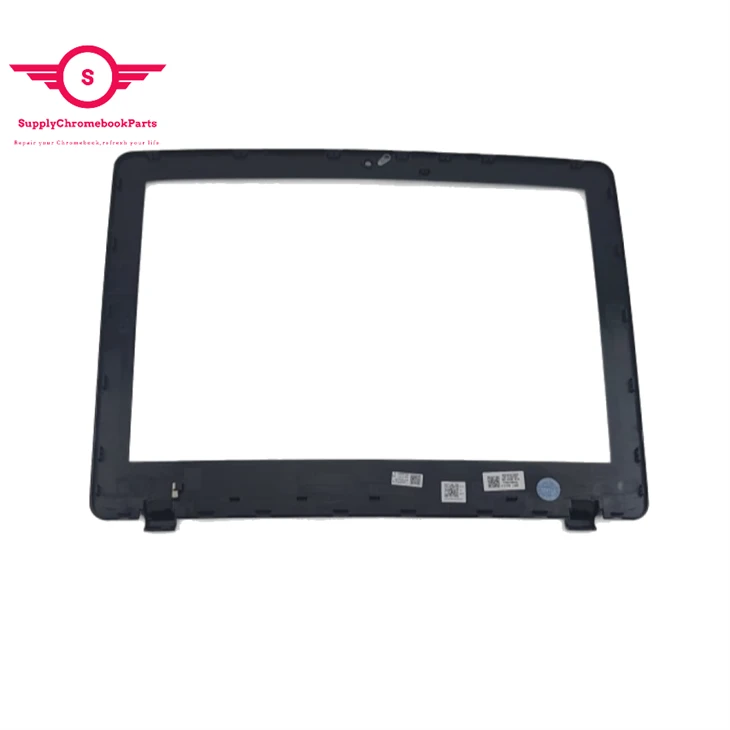
A Chromebook bezel is the frame around the screen of a Chromebook laptop. It serves as a protective layer and a cosmetic feature. The size and shape of the bezel may vary depending on the model and design of the Chromebook. Some Chromebooks have thin bezels that create a more immersive display, while others have thicker bezels that allow for more durability and stability. The bezel may also house components such as the webcam, microphone, speakers, or sensors.
Advantages of Chromebook Bezels
Protection
Bezels provide a protective barrier for the device’s display, safeguarding it against accidental drops, scratches, and impact.
Structural Integrity
The presence of bezels contributes to the overall structural strength of the device, reducing the risk of flex or breakage.
Component Integration
Bezels allow for the integration of necessary components such as front-facing cameras, sensors, and speakers, ensuring optimal functionality and user experience.
User Comfort
Bezels provide a grip area around the device’s screen, reducing accidental touches and improving user comfort during phone calls, gaming, or media consumption.
Design Flexibility
Bezels play a crucial role in balancing design elements and maintaining an aesthetically pleasing appearance, contributing to the overall visual appeal of the device.
Types of Bezels in Tech Devices
Bezels in tech devices come in various forms and sizes, each serving different purposes and catering to different design preferences. Here are some common types of bezels found in smartphones and laptops:
Standard Bezels
These are the traditional bezels commonly seen on older smartphones and laptops. They have a noticeable width around the screen, providing structural support and housing essential components. While they may not offer the sleekness of bezel-less designs, they still serve their purpose well.
Top or Bottom Bezels
Some devices feature smaller bezels on the sides while maintaining a slightly larger bezel at either the top or bottom of the screen. This design choice allows for the integration of front-facing cameras, speakers, and other necessary sensors while reducing the overall bezel size.
Side Bezels
Side bezels refer to the bezels located on the left and right edges of the screen. In recent years, there has been a push towards reducing these bezels to create a more immersive viewing experience. Smartphones and laptops with thin side bezels offer a wider screen-to-body ratio and a sleeker overall design.
Chin Bezels
The chin bezel refers to the bezel located at the bottom of the screen. This area is typically thicker than the rest of the bezels and often houses the device’s physical buttons or a fingerprint scanner. Some manufacturers have been able to shrink the size of the chin bezel, but complete elimination remains a challenge.
Notch Bezels
Notch bezels gained popularity with the introduction of the iPhone X. These bezels feature a small cutout at the top of the screen, housing the front-facing camera and other sensors. While controversial among users, notch bezels allow for a larger screen area while still accommodating necessary components.
Waterdrop Bezels
Waterdrop bezels are a variation of the notch bezels. Instead of a wide cutout, they feature a small, teardrop-shaped notch at the top center of the screen, housing the front camera. This design choice offers a greater screen-to-body ratio compared to traditional notches and is favored by those who prefer a more symmetrical display.
Chromebook Bezel Replacement Guide
Step 1: Remove the Bezel
Open the Framework Laptop 180 degrees to remove the Bezel.
The Framework Bezel is attached by magnets so you will not require any tools to remove it. Just use your fingernail and pry the Bezel away from the display from one of the top corners of the Framework Laptop.
Once the Bezel starts peeling off towards the bottom of the Display, lift it up using caution. You might feel a little resistance due to the adhesive at the bottom of the display.
Step 2: Remove the adhesive from the Bezel
If installing a new Bezel, remove the liner pieces on the bottom of the Bezel to expose the adhesive.
Step 3: Install the Bezel
Open the Framework Laptop 180 degrees to attach the Bezel.
Starting with the bottom of the Bezel which covers the hinges and cables, align the corners of the Bezel to the display and place it down. The Bezel is attached by magnets and should easily click into place.
We recommend feeling along each edge of the Bezel to make sure it is seated correctly before proceeding, if it doesn't seem to be sitting flush, lift it back up and try lowering it into place again.
Note: Do not try to install the Bezel without first opening the Laptop fully, doing so could damage the Bezel and potentially the Display.
If the bottom of the Bezel doesn't seem to fit, lift it back off and check that the cables are seated correctly on both sides. If the Bezel doesn't seem to fit at all, please contact support and do not force it into place.
What to Consider When You Choosing a Device With a Thin or No Bezel?
Intended Usage
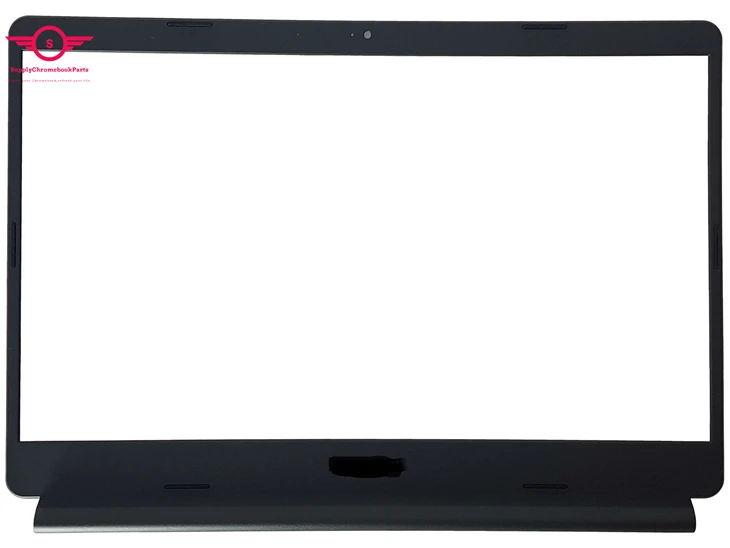
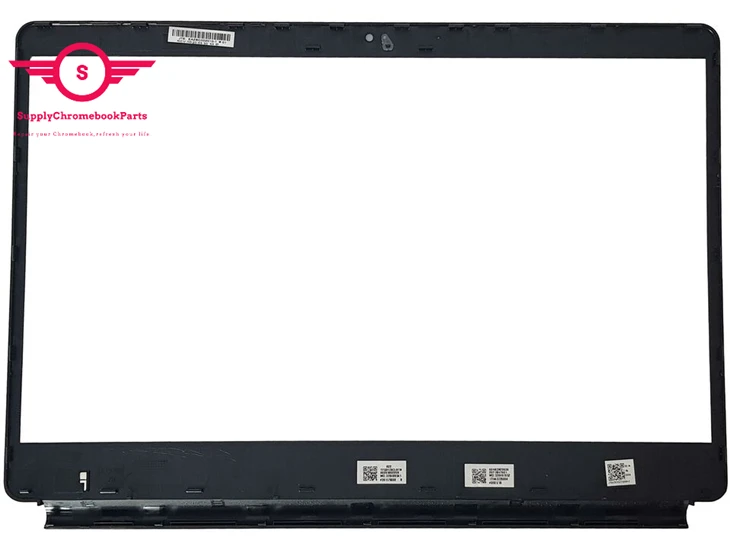
Hinner bezels are ideal if you want an immersive entertainment experience for watching movies and playing games on your gadgets. For productivity work, some bezel is useful to avoid accidental screen touches.
Portability
Thinner bezels allow larger screens in sleeker, more compact product designs. This makes devices like tablets and ultraportable laptops easier to maneuver. But durability may suffer with extremely thin bezels.
Ergonomics
Bezels provide grip space, making devices easier to hold without accidental interactions. But thick bezels also add bulk and make devices feel clunky.
Durability
Bezels protect fragile screen components. Super thin bezels leave screens more susceptible to cracks and scratches during drops or daily usage.
Esthetics
Minimal bezels create a smooth, modern, nearly all-screen look. But chunky bezels look dated. Consider your personal design preferences.
Features
Bezels house front-facing cameras, speakers, buttons, sensors, and other useful components. Make sure slimmer bezels don't sacrifice the features you want.
Price
Bezeless or thin-bezel designs are premium features that increase costs. Weigh display esthetics versus budget considerations.
5 Steps to Clean and Disinfect a Chromebook
Preparation
You will need some bleach-free disinfectant wipes or a solution of 40 percent rubbing alcohol and 60 percent distilled water. Using full-strength rubbing alcohol can damage the coating that helps to keep smudges off the screen. You will also need a couple of microfiber cloths or any cleaning cloths that are linen free. Finally, a can of compressed air is optional if you want to remove any dust that might be hiding in your Chromebook but this step isn’t necessary for disinfecting purposes.
Harsh cleaning supplies like bleach should NEVER be used on your electronics since they can also damage the screen and other parts of your Chromebook. Also, avoid any abrasive cleaning brushes or cleaning pads that might scratch the surfaces of your Chromebook.
Last precaution-NEVER spray any cleaning solution directly onto your Chromebook or any electronics for that matter. You should always apply the cleaning solution to a microfiber cloth and then apply it to the device to avoid any liquid getting into the device and causing damage. With those warnings out the way, let’s get started cleaning and disinfecting your Chromebook.
Procedure
Step 1: Completely power down your Chromebook or unplug the power cord if you are cleaning a Chromebook.
Step 2: Disconnect any cables or peripherals that are plugged into your Chromebook. This will allow you to access and clean every part of the device.
Step 3: Use compressed air to remove larger pieces of dirt or dust that might be in your keyboard and ports. When using compressed air, only give it a few short bursts and never turn the can upside-down. If you have an extra cleaning cloth, you can also slightly dampen it with plain water and wipe down the device during this step. Make sure your cloth is only damp by wringing out the cloth of excess water.
Step 4: Use the disinfectant wipe or apply a small amount of rubbing alcohol solution to the cleaning cloth and completely wipe down the entire Chromebook, including the screen and around each key of the keyboard. Use a small amount of pressure to remove any fingerprints or smudges on the screen, but not too much since this could damage the display. If you aren’t comfortable using the cleaning solution on the screen, you can buy disinfectant wipes specifically designed for LCD and laptop screens.
Step 5: After everything is dry, you can use a dry microfiber to buff the screen and remove any haze that might be lingering on the display from the disinfecting process.
Factory Workshop
Our team of experts is always ready to assist you with any questions or concerns you may have.


Frequently Asked Questions
Q: What is a bezel?
Q: What is a bezel's purpose?
Q: What does bezel-less mean?
Q: Why do devices have bezels?
Q: Are there any privacy concerns associated with bezels?
Q: Can bezels affect the overall aesthetics of a device?
Q: Do thin bezels impact the battery life of a device?
Q: Do bezels affect the heat dissipation of a device?
Q: Can bezels affect the device's weight distribution?
Q: What are bezels on a laptop?
Q: What are the advantages and disadvantages of a bezel-less design?
One of the biggest benefits of a bezel-less display is that it increases the screen size. Usually, the height of the screen is improved over the width, but that will depend on the design of the handset and if it houses any physical buttons on the front of the device or a front-facing camera.
Having more screen space can be a drawback, as increasing the display can make the handset harder to navigate and use in day-to-day life. This will depend on the size of your own hands and your own personal preferences about phone sizes, with some people preferring a compact phone that packs a lot of power. Check out our best smartphone roundup to see the most powerful and premium handsets on the market.
In terms of computing and TVs, there are few disadvantages to slimming down the bezels as much as possible since you rarely interact with the screen itself. In the same vein as smartphones and tablets, there are no true bezel-less products that have a screen.
Overall, technology companies are trying to thin down bezels as much as possible in almost all products that use them. Depending on what product you’re buying and what experience you are looking for, you may want to look for the thinnest bezels out there or look for something in the middle.
Q: What's a thin bezel?
Q: What are the advantages of a thin bezel?
Q: Why is my laptop’s bezel falling off? How can I fix it?
You have several options to fix this. Use an electrical adhesive to carefully reattach the bezel. Before applying glue, clean the area well. Be sure to follow the manufacturer’s recommendations. To ensure safe reattachment, get professional help if you’re not comfortable.
Q: Where is the laptop bezel located on a laptop?
Q: What are the main functions of a laptop bezel?
Q: Why do some laptops have thin bezels while others have thicker ones?
Q: How does the frame around laptop screen affect the overall design and aesthetics of the laptop?
Q: What materials are commonly used to make laptop bezels?
Q: How has the design of laptop bezels evolved over the years?
Q: Why is the laptop bezel coming off?
We're well-known as one of the leading other suppliers in China. Please feel free to wholesale bulk cheap other in stock here and get free sample from our factory. Good service and low price are available.
45W ac chager, for Lenovo 300e Chromebook 2nd Gen 81MB Lcd touch screen, for Acer Chromebook LCD CB315 4HT